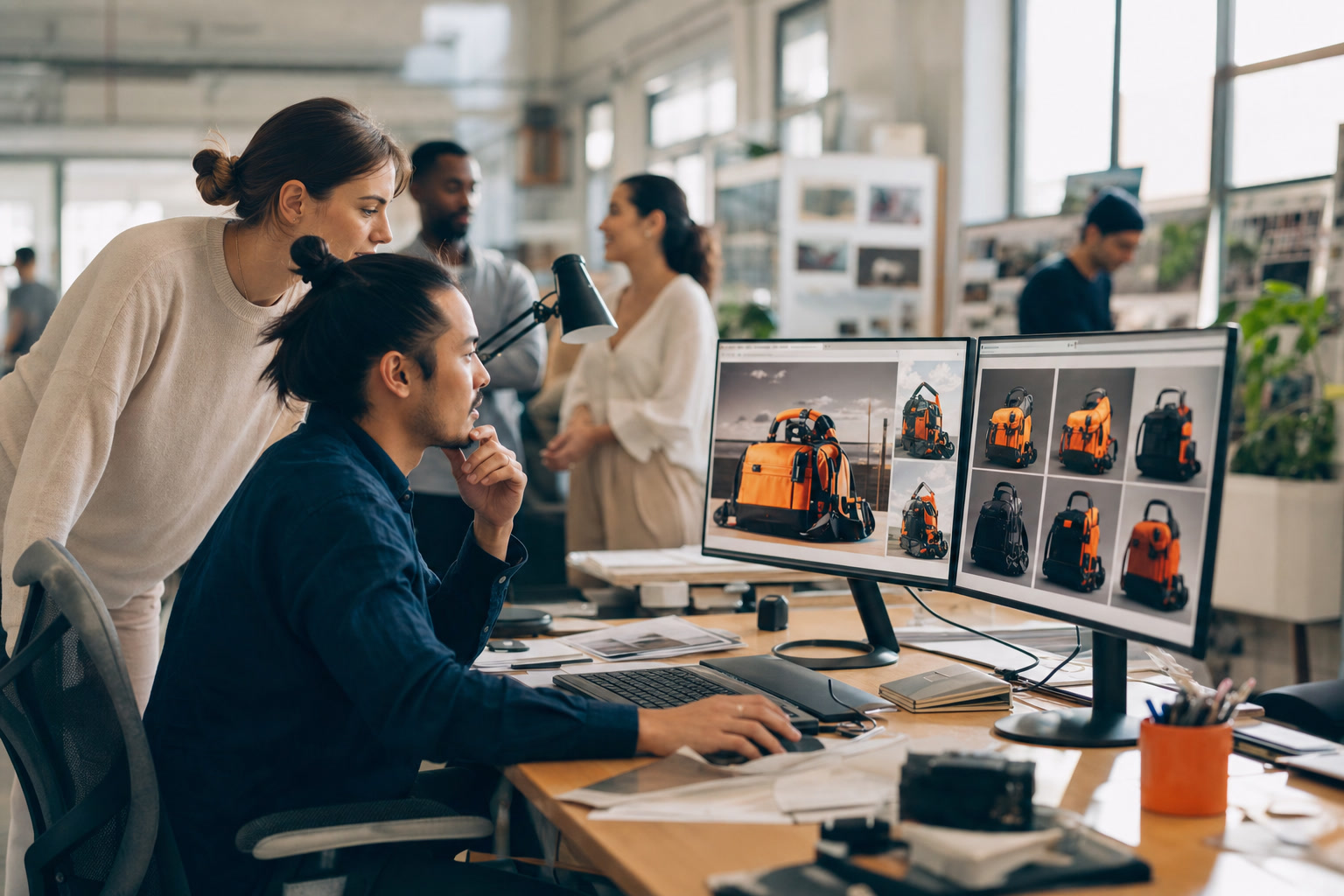
AI Image Generation Tools can automatically create various images—from product photos, ad posters, to brand illustrations—based on a simple text description. For Hong Kong SMBs and pet businesses, the greatest value lies in "no longer needing to search stock photos, arrange photoshoots, or hire designers for every image"—especially since e-commerce and social media need fresh visuals almost daily. AI image tools fill this gap perfectly.
AI Image Generation Tools can automatically create various images—from product photos, ad posters, to brand illustrations—based on a simple text description. For Hong Kong SMBs and pet businesses, the greatest value lies in "no longer needing to search stock photos, arrange photoshoots, or hire designers for every image"—especially since e-commerce and social media need fresh visuals almost daily. AI image tools fill this gap perfectly.
AI Image Generation Tools Overview
The models behind these tools (such as text-to-image Diffusion Models) are trained on massive image datasets and can understand combinations of "type × style × detail," then generate new images based on your description. You can specify "a corgi wearing a tie, cartoon style, light pink background," and the AI produces the corresponding image. Currently, these tools excel at illustrations, concept images, and rapid prototyping—particularly valuable for social media and e-commerce that increasingly prioritize visuals.
Popular Tools Comparison
| Tool Type | Features | Best For |
|---|---|---|
| General Text-to-Image | Diverse styles, high quality | Brand images, social posts |
| Design Platform with Built-in AI | Integrated with layout and copywriting | Quick poster and ad creation |
| Product Image Generation | Place product photos in different scenes | E-commerce, product showcase |
| Retouching/Image Expansion | Background removal, inpainting, canvas expansion | Asset organization, post-production |
Pet Business & Brand Design Applications
- Product Contextual Images: Place a bag of dog food in scenes like 'Cozy Living Room' or 'Outdoor Lawn'—no need for actual photography.
- Brand Illustrations: Generate consistent pet characters and illustration styles for packaging, posts, and your website.
- Campaign Visuals: Quickly create themed images for holiday promotions and seasonal campaigns.
- Posters & Ads: Generate multiple versions in bulk to test and find the most eye-catching designs.
Production Workflow
- Define Your Purpose: Decide the image use and dimensions first (Instagram post, poster, product hero image).
- Write Your Description: Use the 'Subject + Style + Mood + Details' structure—for example, 'A pair of sneakers on a wooden floor, minimalist style, soft lighting, product photography.' The more specific, the higher the quality.
- Generate & Select: Create multiple images at once and pick the one that best matches your brand voice.
- Fine-Tune Details: Use inpainting, expansion, or background removal tools for final adjustments.
- Launch & Archive: Export in the right dimensions and save effective descriptions as templates for reuse.
Important Considerations
- Commercial License: Different tools have different commercial terms—always confirm before using for business.
- Detail Imperfections: AI occasionally makes mistakes with hands, feet, text, or proportions. Manual review and corrections are needed.
- Avoid Misleading Content: Product images should be close to reality. Don't use AI-generated images that differ from the actual product—it damages trust and may violate regulations.
- Brand Consistency: Producing too many different styles will confuse your brand identity. Establish fixed style guidelines.
Conclusion: Scale Your Visual Output Infinitely
AI image generation dramatically cuts the time and cost from 'idea to finished product,' letting you continuously produce eye-catching visuals and build a strong brand presence. If you want to connect images, copy, design, social scheduling, and even ads into one complete automated workflow, explore Buddylala's AI Design + Marketing module—we help you get visual content and brand marketing done all at once. Book a free consultation and let our team design the most hassle-free content pipeline for you.
Want to learn more?
Buddylala.ai provides businesses with an all-in-one AI automation solution
Free ConsultationFrequently Asked Questions
Any business looking to boost efficiency and reduce costs can benefit from AI image tools, especially SMBs. Buddylala.ai offers zero-code AI automation solutions, so you can implement AI without any programming knowledge.
Costs depend on your business size and needs. Buddylala.ai offers modular solutions starting from USD 1,000/month, including system integration, setup, and training. Contact us for a free assessment.
Absolutely! Buddylala.ai's dedicated AI Account Manager will handle all technical integration and setup for you—you just enjoy the efficiency gains from AI.
Implementation typically takes 2-4 weeks from contract to launch. Week one covers system audit, week two handles integration and setup, and week three includes testing and training. Most clients see noticeable efficiency improvements within the first month.